
▶ Watch on YouTube — Quick video overview of this issue and what to do.
Affected campuses: Classrooms with sun-facing exterior walls
Status: Known environmental condition — not a hardware defect
What Is Happening?
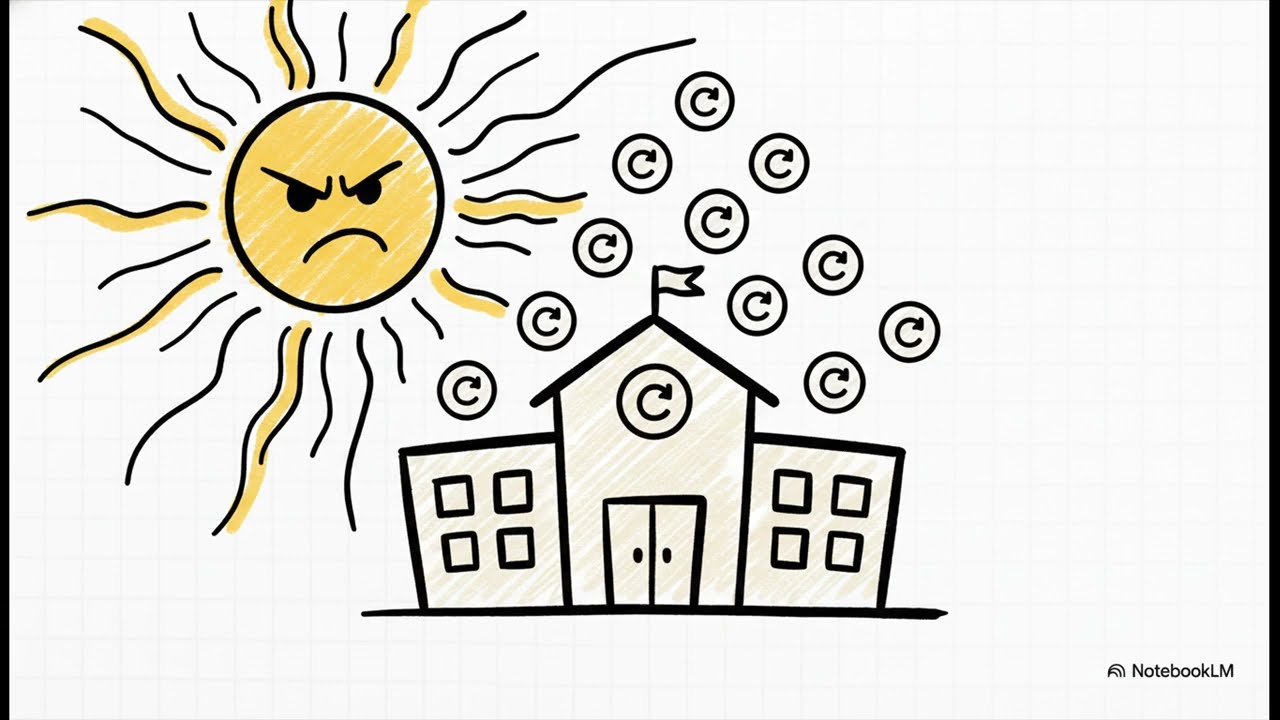
On extreme heat days, BenQ RP04-series interactive panels in classrooms with south- or west-facing exterior walls may unexpectedly reboot or shut down mid-class. This is the panel's built-in thermal protection activating — not a hardware defect or software failure.
BenQ panels are designed to shut down automatically when internal temperature exceeds safe operating limits. In California summer conditions, direct sun exposure through classroom windows can push ambient temperatures high enough to trigger this protection even with normal AC running.
Why It Happens
- BenQ RP04-series panels have a rated operating range of 0°C to 40°C (32°F to 104°F).
- Afternoon sun directly hitting a panel through glass can raise the surface and ambient temperature well above this threshold.
- Once the internal thermal sensor reads above the safe range, the panel shuts down to protect internal components.
- This is the same protection mechanism used in smartphones, laptops, and other electronics.
What to Do When It Happens
- Let the panel cool for 10–15 minutes before powering it back on. Forcing an immediate restart while it is still hot will trigger another shutdown.
- Close window blinds or shades to block direct sunlight from hitting the panel surface.
- Increase room ventilation or lower the AC setpoint if possible. Even a 2–3 degree reduction in ambient temperature can prevent recurrence.
- Submit a Zendesk ticket if shutdowns occur regularly (more than once a week). IT will assess whether a sunshield or ventilation solution is needed for that specific room.
This Is Not a Warranty Issue
Thermal shutdown is working exactly as designed. BenQ will not replace a panel that shut down due to environmental heat exposure outside the rated operating range. If you are experiencing frequent shutdowns, the solution is environmental (shade, airflow, room temperature) — not a panel replacement.
IT has documented all classrooms where this has been reported and is evaluating room-level solutions for the most affected spaces as part of the Summer 2026 infrastructure review.
Questions?
Submit a ticket at acarcs.zendesk.com or email the IT Help Desk. Include your room number and how frequently the shutdowns are occurring.
RCS Information Technology · IT Help Center
Comments
0 comments
Please sign in to leave a comment.